找到
42
篇与
技术文章
相关的结果
- 第 2 页
-
 7B2 PRO主题5.4.2 免授权开心版源码 | WordPress主题 B2 PRO 5.4.2 最新免授权版不再需要改hosts,和正版一样上传安装就可以激活。 直接在WordPress上传安装即可 图片: m0vqvdin.png图片 m0vqvlps.png图片 m0vqvr17.png图片 m0vqw03r.png图片 博客下载 下载地址:https://neictop-1256272185.cos.ap-guangzhou.myqcloud.com/2024/09/10/1725931263.zip 提取码: 7B2 PRO主题5.4.2 下载地址:https://xiaok.lanzoum.com/i1H1r1zivzxe 提取码:
-
泛域名解析 泛解析的用途 m0m36cf2.png图片 1.可以让域名支持无限的子域名(这也是泛域名解析最大的用途)。 2.防止用户错误输入导致的网站不能访问的问题 3.可以让直接输入网址登陆网站的用户输入简洁的网址即可访问网站 泛域名在实际使用中作用是非常广泛的,比如实现无限二级域名功能,提供免费的url转发,在IDC部门实现自动分配免费网址,在大型企业中实现网址分类管理等等,都发挥了巨大的作用。 通俗来说就是输入容易域名都可以访问到网站 js实现随机域名跳转主站 <!DOCTYPE html> <html> <head> <meta charset="UTF-8"> <!--[if IE 8]><style>.ie8 .alert-circle,.ie8 .alert-footer{display:none}.ie8 .alert-box{padding-top:75px}.ie8 .alert-sec-text{top:45px}</style><![endif]--> <!--QQ沐编程 www.qqmu.com--> <title>正在进入请稍等</title> <style> body { margin: 0; padding: 0; background: #E6EAEB; font-family: Arial, '微软雅黑', '宋体', sans-serif } .alert-box { display: none; position: relative; margin: 96px auto 0; padding: 180px 85px 22px; border-radius: 10px 10px 0 0; background: #FFF; box-shadow: 5px 9px 17px rgba(102,102,102,0.75); width: 286px; color: #FFF; text-align: center } .alert-box p { margin: 0 } .alert-circle { position: absolute; top: -50px; left: 111px } .alert-sec-circle { stroke-dashoffset: 0; stroke-dasharray: 735; transition: stroke-dashoffset 1s linear } .alert-sec-text { position: absolute; top: 11px; left: 190px; width: 76px; color: #000; font-size: 68px } .alert-sec-unit { font-size: 34px } .alert-body { margin: 35px 0 } .alert-head { color: #242424; font-size: 28px } .alert-concent { margin: 25px 0 14px; color: #7B7B7B; font-size: 18px } .alert-concent p { line-height: 27px } .alert-btn { display: block; border-radius: 10px; background-color: #4AB0F7; height: 55px; line-height: 55px; width: 286px; color: #FFF; font-size: 20px; text-decoration: none; letter-spacing: 2px } .alert-btn:hover { background-color: #6BC2FF } .alert-footer { margin: 0 auto; height: 42px; width: 120px } .alert-footer-icon { float: left } .alert-footer-text { float: left; border-left: 2px solid #EEE; padding: 3px 0 0 5px; height: 40px; color: #0B85CC; font-size: 12px; text-align: left } .alert-footer-text p { color: #7A7A7A; font-size: 22px; line-height: 18px } </style> </head> <body class="ie8"> <div id="js-alert-box" class="alert-box"> <svg class="alert-circle" width="234" height="234"> <circle cx="117" cy="117" r="108" fill="#FFF" stroke="#43AEFA" stroke-width="17"></circle> <circle id="js-sec-circle" class="alert-sec-circle" cx="117" cy="117" r="108" fill="transparent" stroke="#F4F1F1" stroke-width="18" transform="rotate(-90 117 117)"></circle> <text class="alert-sec-unit" x="82" y="172" fill="#BDBDBD">秒</text> </svg> <div id="js-sec-text" class="alert-sec-text"></div> <div class="alert-body"> <div id="js-alert-head" class="alert-head"></div> <div class="alert-concent"> <p>用心建设每一个网站</p> <p>您身边的网站建设专家</p> </div> <a id="js-alert-btn" class="alert-btn" href="http://www.baidu.com">立即前往</a> </div> <div class="alert-footer clearfix"> <svg width="46px" height="42px" class="alert-footer-icon"> <circle fill-rule="evenodd" clip-rule="evenodd" fill="#7B7B7B" stroke="#DEDFE0" stroke-width="2" stroke-miterlimit="10" cx="21.917" cy="21.25" r="17"/> <path fill="#FFF" d="M22.907,27.83h-1.98l0.3-2.92c-0.37-0.22-0.61-0.63-0.61-1.1c0-0.71,0.58-1.29,1.3-1.29s1.3,0.58,1.3,1.29 c0,0.47-0.24,0.88-0.61,1.1L22.907,27.83z M18.327,17.51c0-1.98,1.61-3.59,3.59-3.59s3.59,1.61,3.59,3.59v2.59h-7.18V17.51z M27.687,20.1v-2.59c0-3.18-2.59-5.76-5.77-5.76s-5.76,2.58-5.76,5.76v2.59h-1.24v10.65h14V20.1H27.687z"/> <circle fill-rule="evenodd" clip-rule="evenodd" fill="#FEFEFE" cx="35.417" cy="10.75" r="6.5"/> <polygon fill="#7B7B7B" stroke="#7B7B7B" stroke-linecap="round" stroke-linejoin="round" stroke-miterlimit="10" points="35.417,12.16 32.797,9.03 31.917,10.07 35.417,14.25 42.917,5.29 42.037,4.25 "/> </svg> <div class="alert-footer-text"><p>secure</p>安全加密 </div> </div> </div> <script type="text/javascript"> function alertSet(e) { document.getElementById("js-alert-box").style.display = "block", document.getElementById("js-alert-head").innerHTML = e; var t = 5, n = document.getElementById("js-sec-circle"); document.getElementById("js-sec-text").innerHTML = t, setInterval(function() { if (0 == t){ // 修改这部分以生成随机字符串并添加"." var randomStr = ""; for (var i = 0; i < 8; i++) { randomStr += String.fromCharCode(Math.floor(Math.random() * 26) + 97); } location.href = "http://" + randomStr + ".baidu.com"; } else { t -= 1, document.getElementById("js-sec-text").innerHTML = t; var e = Math.round(t / 10 * 735); n.style.strokeDashoffset = e - 735 } }, 970); } </script> <script>alertSet('正在进入请稍等');</script> </body> </html>
-
多骨鱼"Chappie"系列响应式企业官网模板主题 “多骨鱼Chappie”系列主题,是一款流行极简风的轻官网,且支持响应式的模板主题;该主题使用了一些流行插画点缀元素,使的整体界面风格简洁而不失优雅。 由于企业类型网站的特殊性,相关产品案例、需求表单、演示方案等展示类型功能,在该套模板中仅做参考演示使用; 比如,展示性质的宣传内容:首页、解决方案、产品价格、下载App等栏目。 以上罗列出的功能或栏目,可根据自身业务功能进行自定义修改或联系我进行付费定制开发。 主题信息: 一 核心模块: 1,主页; 2,解决方案; 3,产品案例; 4,企业动态(品牌资讯、活动赛事、行业信息); 5,产品价格; 6,需求定制(自定义表单:收集用户需求或合作意向等); 7,关于企业(企业单页,展示企业信息等); 二,扩展内容: 1,通用文章; 2,搜索; 3,App展示; 4,会员登录、注册; 5,客户评价; 注:主题中提供的演示数据,可以自由移除或更改,您也可以按照演示数据对网站进行参考性管理和维护。 预览网址: http://chappie.duoguyu.com.cn/ ly6vlmzr.png图片 移动端 ly6vm3l1.png图片 PC端 ly6vmoi1.png图片 多骨鱼"Chappie"系列响应式企业官网模板主题 下载地址:https://neictop-1256272185.cos.ap-guangzhou.myqcloud.com/2024/07/04/1720073987.zip 提取码:
-
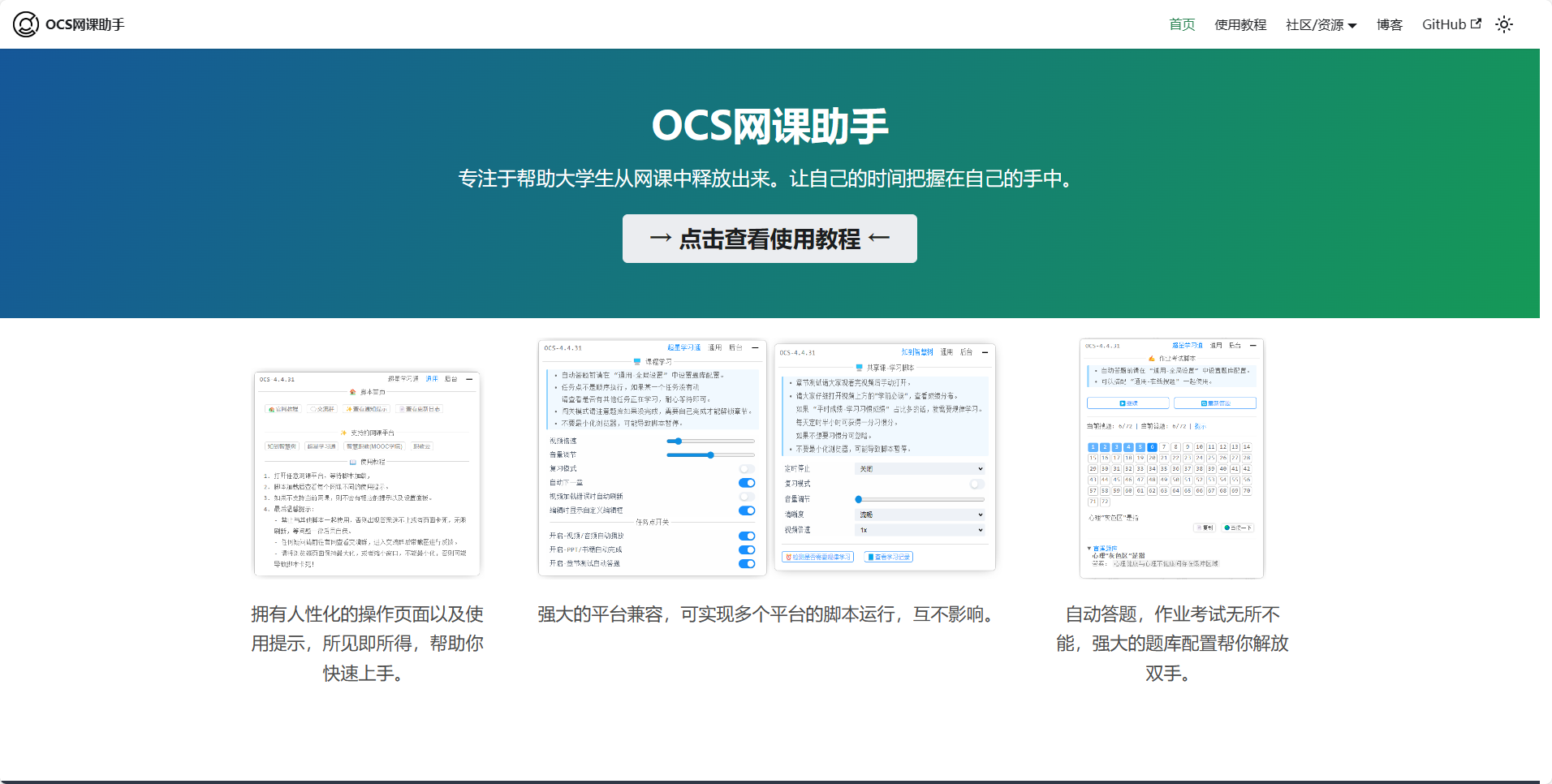
OCS网课助手 项目背景 试想当你上完一天的专业课之后,回到宿舍还要面对无数的网课,一个个视频手动去播放,一页一页去翻阅 PPT。 获取多方面的知识并没有错,但这真的代表就要学习上百小时甚至学习时长大于专业课的网课吗? 我并不知道正确答案,我只知道如果网课和学业互相兼得,才是双赢。 而 OCS 的作用就是让这一过程更加快速便捷,挤出更多的时间在我们的专业课程上面。 luy553mu.png图片 OCS网课助手官网 历史进程 2023/03/06 第四代 OCS 上线,三周年庆典~ 全新 OCS 网课脚本以及 OCS 桌面软件(没错又是全新 ) 2022/05/28` 开源项目名称由 online-course-script 改成 ocsjs 整体项目由 enncy 账号转移至组织账号 ocsjs 2022/02/08 第三代 OCS 上线,经过一年的技术沉淀,OCS 迎来了新生,全新的技术栈,全新的软件上线 2020/11/25 第二代 OCS 上线,首次使用了 vue element-ui 等前端框架,也是首次利用 cdn 加载资源。 2020/05/27 第一代 OCS 正式发布,简陋的页面,粗糙的代码,不过也是当时为数不多有控制页面的脚本之一。 2020/03/06 OCS 建立。
-
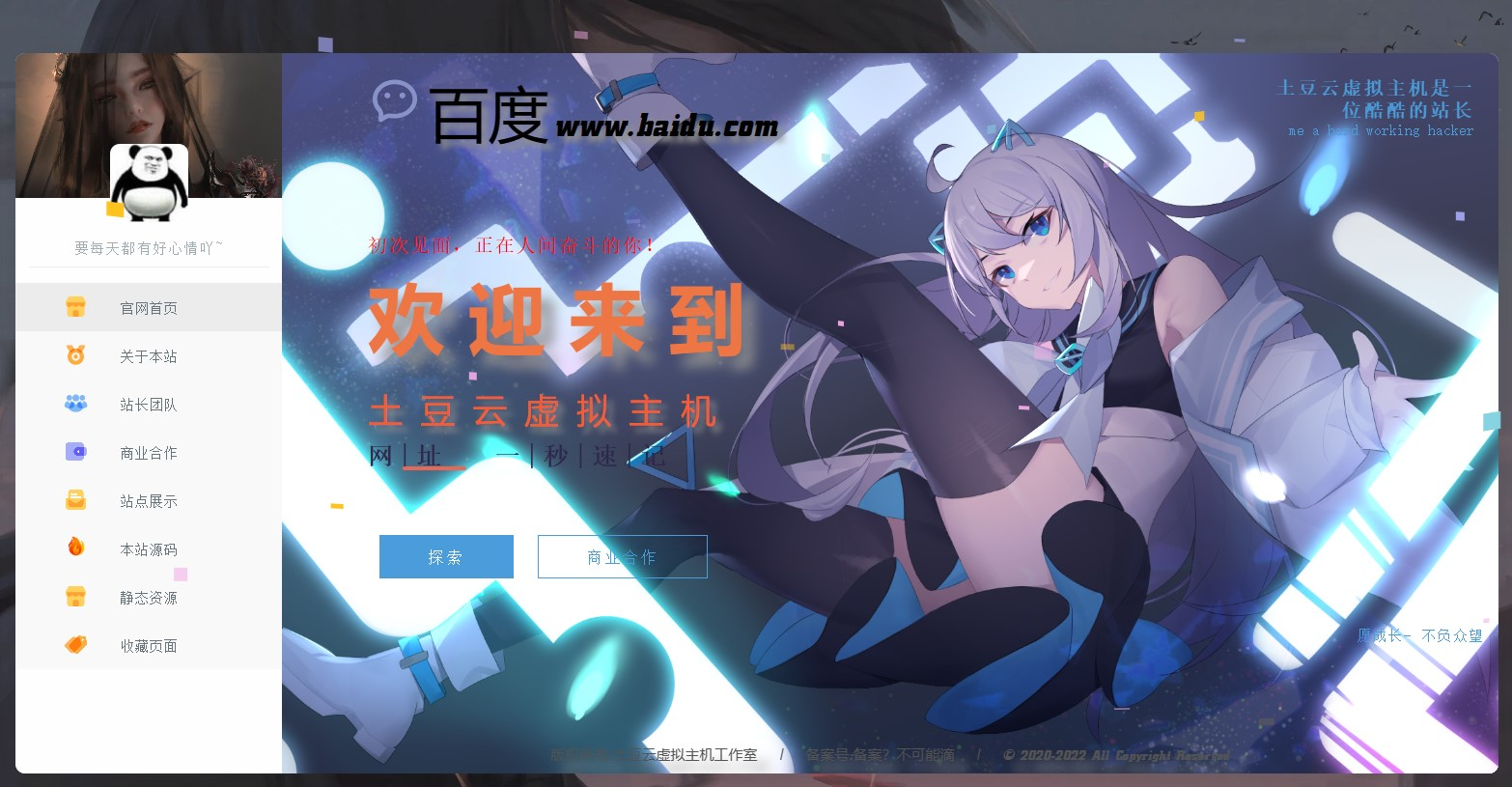
最新漂亮的二次元风格个人主页HTML源码 介绍: 漂亮的二次元风格个人主页HTML源码,整个界面采用二次元动态风格,直接上传服务器压缩包解压就完事了,修改index.html内代码即可,注释写的很全,替换图片在文件夹img。本源码非常适合个人工作室主页 原版界面 luex24xw.png图片 改版介绍: 加了登录页面 为客户声联改版 改版界面 luex7d2m.png图片 luex7x0s.png图片 luex8mgx.png图片 原版 下载地址:https://whpx8.lanzoul.com/iaJhQ0l6dsqf 提取码: 原版 下载地址:https://neictop-1256272185.cos.ap-guangzhou.myqcloud.com/2024/03/31/1711852997.zip 提取码: 改版 下载地址:https://neictop-1256272185.cos.ap-guangzhou.myqcloud.com/2024/03/31/1711853060.zip 提取码: